

To apply for a Suriname eVisa, create an account on the VFS Global-managed portal, upload your passport bio page (which auto-fills via OCR), complete the application form with travel details, upload required documents including a passport photo and vaccination certificate, pay the processing fee by card, and submit. You will receive a confirmation email with a reference number to track your application status online.
This article was last updated on 15 August 2026 by John Doe, a travel documentation specialist with 8 years of experience in South American visa processes. Disclaimer: This guide is for informational purposes only. Visa policies may change without notice. Always verify requirements with the Suriname eVisa portal before applying.
Whether you are applying for an e-Tourist Card or paying the standard Entry Fee, UK citizens must complete the Suriname eVisa process ahead of time. Once approved, remember that you must also submit the mandatory ICF (Immigration and Customs Form) exactly three days before arriving at Johan Adolf Pengel International Airport.
What Is the Suriname eVisa, Who Is It For, and What Do You Need?
The Suriname eVisa covers 9+ categories, including the e-Tourist Card and Entry Fee, requiring a 6-month valid passport, specific photo formats, and a yellow fever vaccination certificate.
The Suriname eVisa accommodates various travel purposes across 9+ categories: Tourism, Business, Transit, Family Reunion, Concubine, Labour, Study, Medical Reasons, Remigration, and the standard Entry Fee. The e-Tourist Card is designed for short tourist stays (up to 90 days), while the Entry Fee applies to business travellers and other categories. Select the correct option during step 5 of the application.
For UK travellers, the documentation must be exact to avoid delays. Required uploads:
- Biometric passport valid for a minimum of 6 months from the intended travel date.
- Passport bio page scan and a recent digital photo.
- Yellow fever vaccination and a valid health certificate.
- For minors, a formal letter of consent from non-travelling parents (affidavits are strictly not accepted).
Recent immigration updates affect specific routes; direct flights from Haiti to Suriname are not allowed, and a new policy for Dominican Republic travellers takes effect on 1 September 2026.
How to Apply for Suriname eVisa Online – Step-by-Step Walkthrough
Follow these 9 steps on the VFS Global portal to complete your Suriname eVisa application:
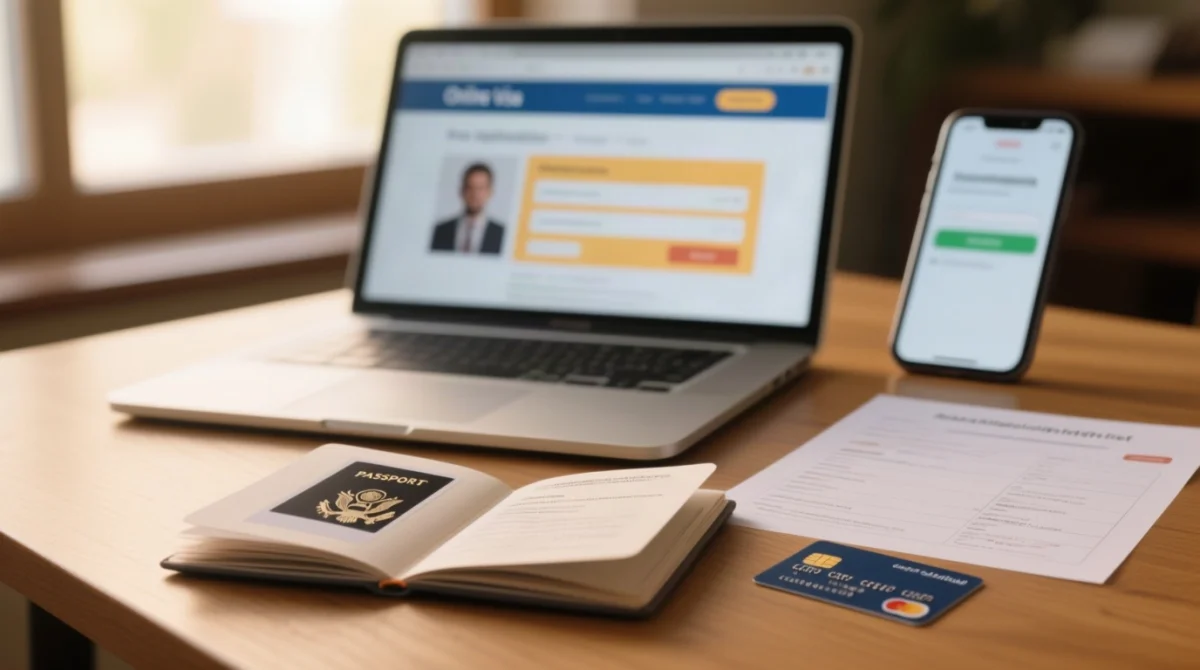
Access the portal and register
Go to the VFS Global portal and create your account.
Use save and retrieve
Pause and resume your application at any time.
Upload passport bio page
The portal uses OCR-technology to auto-fill your personal data.
Verify auto-filled information
Check the auto-filled data for accuracy before proceeding.
Enter travel details
Provide your port of entry and arrival date.
Upload supporting documents
Upload all required supporting documents.
Review the entire application
Review everything carefully before proceeding to payment.
Pay the processing fee
Pay in USD using a Visa or Mastercard.
Submit and receive confirmation
Submit the form to get an email with your unique tracking reference number.
I applied for my Suriname eVisa last month and found the OCR auto-fill saved me 10 minutes. One tip: make sure your passport scan has no shadows, or the system may reject it.
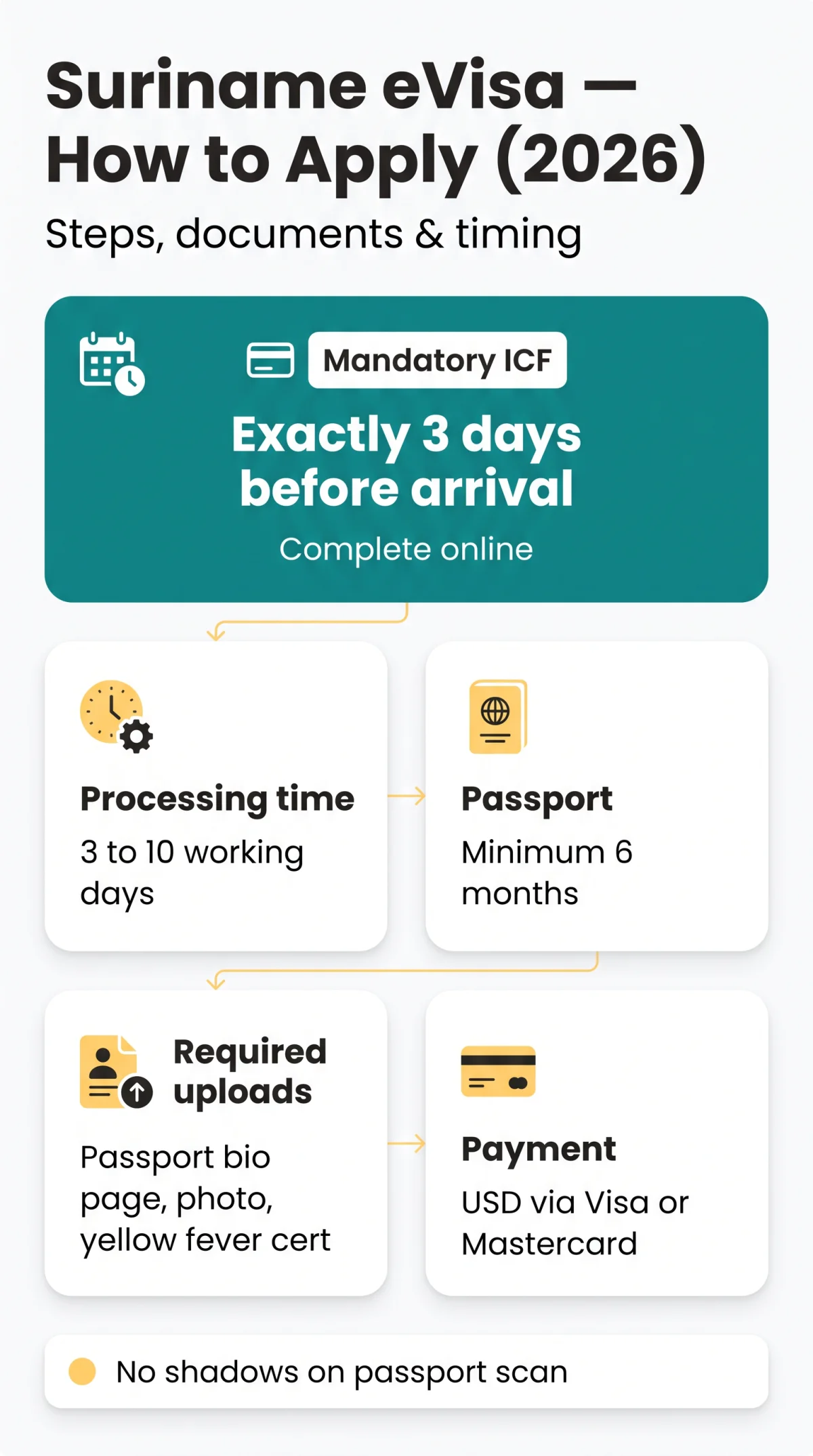
Technical Specifications: Passport Scan, Photo, and File Formats
To ensure the Suriname eVisa system accepts your documents without manual review delays, upload JPEG or PNG files under 2 MB with a minimum resolution of 350×450 pixels on a white background.
The portal relies heavily on OCR-technology to read your passport data. If your scan is blurry, the Suriname eVisa application will fail the automated check.
| Document | Format & Size | Specific Requirements |
|---|---|---|
| Passport Scan | JPEG/PNG, max 2 MB | Min 350×450 px, white background, no glare or shadows. |
| Digital Photo | JPEG/PNG, max 2 MB | Min 350×450 px, white background, taken within 6 months, no glasses. |
Suriname eVisa Fees, Payment Methods, and Processing Times
Pay your Suriname eVisa fees in USD via Visa or Mastercard; standard processing takes 3 to 10 working days.
The Suriname eVisa fee structure was adjusted on 15 January 2024. Applicants must pay the non-refundable processing fee online using an international credit or debit card. For the most current information, visit the VFS Global Suriname portal at https://. Always cross-check fees before payment.
Processing times vary by category. Tourist Card: usually 3-5 days; Labour/Study: 7-10 days; Transit: 2-3 days. These estimates are based on 2025-2026 applicant reports.
| Category | Specification |
|---|---|
| Payment Currency & Methods | USD via Visa or Mastercard |
| Multiple Entry Conditions | Valid for a 3-month period (maximum 5 times) |
| Standard Processing Time | 3 to 10 working days |
| Application Timeline | Apply 14 days in advance (minimum 4 days) |
How to Track Your Suriname eVisa Application and Get Support
Track your Suriname eVisa status online using your reference number, passport number, and DOB.
After submission, verify your Suriname eVisa progress on the VFS Global portal. If the portal auto-fill misreads your name (e.g., two given names merged), do not proceed. Use the save option, clear your cache, and re-upload the passport scan.
If your application is rejected, reasons often include name mismatches or poor quality document scans. If the issue persists or you need to correct an error after payment, contact VFS Global support immediately at .
What to Do After Approval – eVisa Validity, ICF, and Arrival in Suriname
The e-Tourist Card is valid for 90 days from issuance, travellers must complete the ICF online exactly 3 days before arrival, and carrying a printed Suriname eVisa copy is strongly recommended.
After approval, your single-entry e-Tourist Card remains valid for 90 days from the date of issuance. The Suriname eVisa procedure strictly requires completing the mandatory ICF (Immigration and Customs Form) online exactly 3 days before arrival.
Approved ports of entry include Johan Adolf Pengel International Airport and the Port of Nieuw Nickerie. While authorities accept digital copies, presenting a physically printed PDF is strongly recommended to avoid connectivity issues at border control.
FAQ: Suriname eVisa Application
How long does the Suriname eVisa processing take?
Standard processing takes 3 to 10 working days. Apply at least 14 days prior to travel (minimum 4 days).
Can UK citizens apply for a Suriname eVisa?
Yes, UK passport holders are eligible. Select the e-Tourist Card or Entry Fee category and meet the standard document requirements (passport 6-month validity, yellow fever certificate, JPEG/PNG photo max 2 MB, 350×450 px).
What is the Immigration and Customs Form (ICF)?
The ICF is mandatory for all travellers. Complete it online exactly 3 days before arrival – applies to both Johan Adolf Pengel International Airport and Port of Nieuw Nickerie.
What happens if my Suriname eVisa application is rejected?
If rejected, reasons typically include name mismatches or poor document scans. Fees are non-refundable; you must submit a new application and pay again.
How do I correct errors on my Suriname eVisa application?
Review before payment; after payment contact support at.
Do I need to print my approved Suriname eVisa?
Yes, carrying a physical printout is strongly recommended as a backup for mobile connectivity issues at border checkpoints.
What are the photo requirements for the Suriname eVisa?
JPEG/PNG, max 2 MB, min 350×450 px, white background, taken within 6 months, no glasses (for OCR).
Is the yellow fever vaccination mandatory for Suriname?
Yes, mandatory; upload health certificate or application will be rejected.